What is in the box
The clock, a wall bracket with screws and plugs, a desk stand, a power supply, and a printed card with the same instructions as this page. Nothing else, because nothing else is needed.
Setting it up
Plug it in. It asks for a language, then a town, then how you want the times worked out. Each answer is a list you tap, not a form you fill in.
The town comes from a database stored on the device, so you can find where you live before the clock has ever seen a network. Type the first few letters and it appears.
Or set it up from your phone
If typing on a seven-inch screen is not your idea of an evening, the clock shows a code you can scan with a phone. The same choices appear on the phone, in the language you already picked, and the clock applies them once you confirm what arrived.
What it does every day
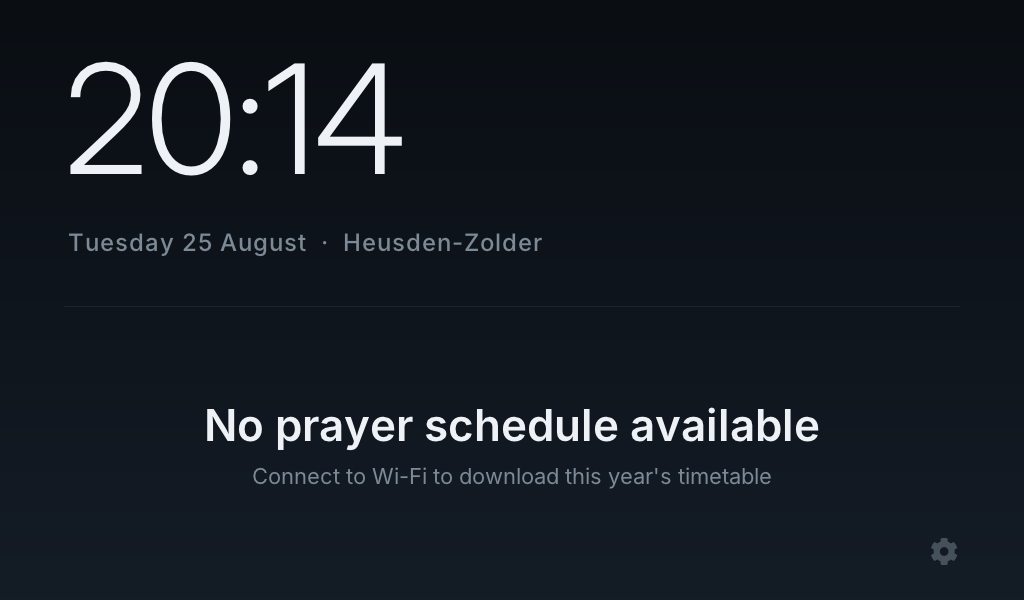
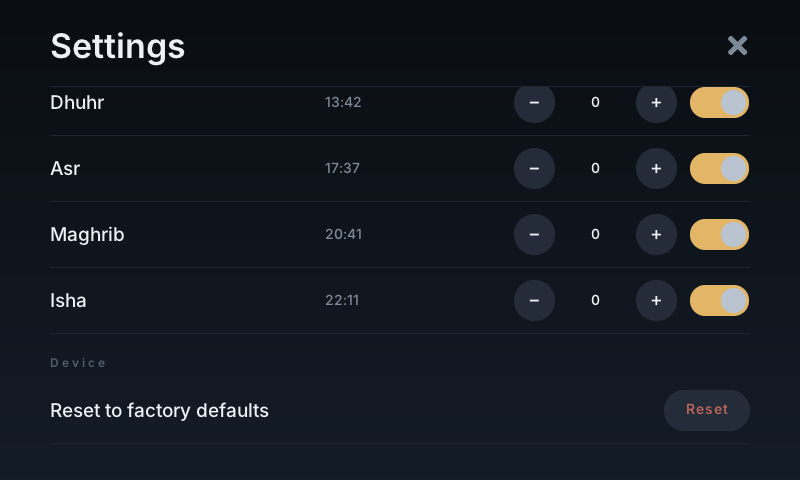
It shows the time, the date and your town, the next prayer with a countdown, and the whole day’s timetable underneath. It calls the adhan out loud in the tradition you chose, at Dhuhr, Asr, Maghrib and Isha, with the morning call 45 minutes before sunrise.
A quiet tone comes some minutes before Dhuhr, Maghrib and Isha, so you can finish what you are doing rather than be interrupted by it. Before sunrise there is a morning call, because Fajr has to be prayed before the sun is up.
After Isha the screen dims to a level you can read from bed and stays there until Fajr. There is no glow in the hallway at three in the morning.
What it needs from the network
Once, at setup, to download the rest of this year and all of the next. After that it works with the router unplugged.
When a network is available it checks quietly whether a corrected timetable has been published. It does not need one to keep working, and it says so on the screen well before the stored timetable runs out.